
This breathtaking update brings eerie yet enchanting landscapes, with misty glows and mysterious flora, and haunting mobs, making this a perfect chilling biome to dive into completely, all made possible with shaders. Shaders bring life to Minecraft’s visuals by adding dynamic lighting, shadows, and atmospheric effects, elevating the aesthetic appeal of the game.
In this post, we’ll explore the 5 best shaders for the Minecraft Pale Garden that enhance its dark, mystical ambiance. Whether you’re aiming for cinematic gameplay or simply want to enjoy the haunting beauty of the Pale Garden, these shaders are perfect choices.
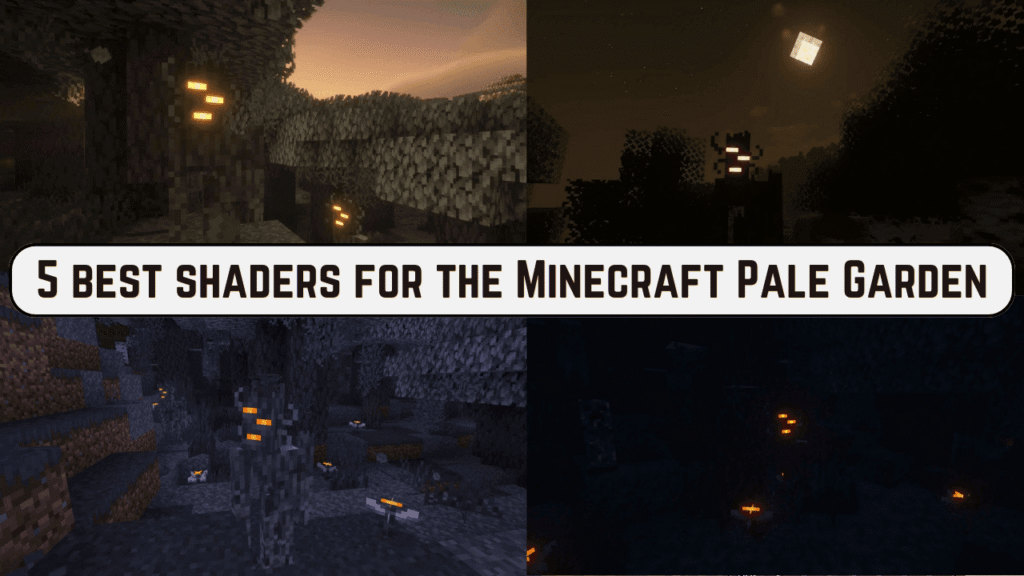
Best Shaders for the Minecraft Pale Garden
| Shader Name | Key Features | Why It’s Perfect for the Pale Garden |
|---|---|---|
| Spooklementary | Enhanced spooky lighting and fog effects | Amplifies the haunting ambiance |
| Complementary Shaders | Balanced visuals with soft lighting | Highlights the Pale Garden’s unique textures |
| BSL Shaders | Realistic water reflections and shadows | Enhances the mystical, natural elements |
| Opal Shaders | Vibrant colors with customizable settings | Adds depth and vibrancy to the environment |
| Night Visions Shaders | Improved nighttime visibility | Perfect for exploring the Pale Garden at night |
1. Spooklementary
Spooklementary is primarily for players who enjoy dark and atmospheric environments. This shader does an excellent job with eerie vibes, suitable for exploring the haunting beauty of the Pale Garden. It makes the ghostly surroundings of the Pale Garden all the more immersive with fog effects and moody lighting that strengthen the supernatural elements of this biome.
Key Features:
- Enhanced fog effects for a mystical feel.
- Spooky lighting with deep shadows.
- Subtle flickering effects for torches and lights.
2. Complementary Shaders
Complementary Shaders are known for balancing performance and stunning visuals. These will give you a high-quality look without demanding much from your system, thus ideal for most players. The balanced visuals draw out the intricate details of the Pale Garden’s textures so that you don’t miss any of its hauntingly beautiful elements.
Key Features:
- Soft lighting and realistic shadows.
- Gentle water effects and sky enhancements.
- Excellent performance optimization for mid-range PCs.

3. BSL Shaders
BSL Shaders are a favorite among Minecraft players due to their quality graphics and realistic lighting effects. The shaders add depth to every detail in the Pale Garden, from reflective water to intricate foliage. BSL Shaders bring mysterious ponds and misty pathways to life in the Pale Garden, giving a cinematic experience that cannot be rivaled.
Key Features:
- Dynamic lighting with realistic shadows.
- Enhanced water reflections and animations.
- Smooth transitions between day and night cycles.
4. Opal Shaders
Opal Shaders are characterized by their bright colors and customizable settings, allowing players to adjust the visuals to their taste. This shader is ideal for players who want to add a magical glow to the Pale Garden. The vibrant glow of Opal Shaders adds a magical touch to the plants in the Pale Garden and the mystical atmosphere, making every corner a visual treat.
Key Features:
- Vibrant color palette with glowing effects.
- Customizable settings for lighting and ambiance.
- Enhanced particle effects for magical vibes.
5. Night Visions Shaders
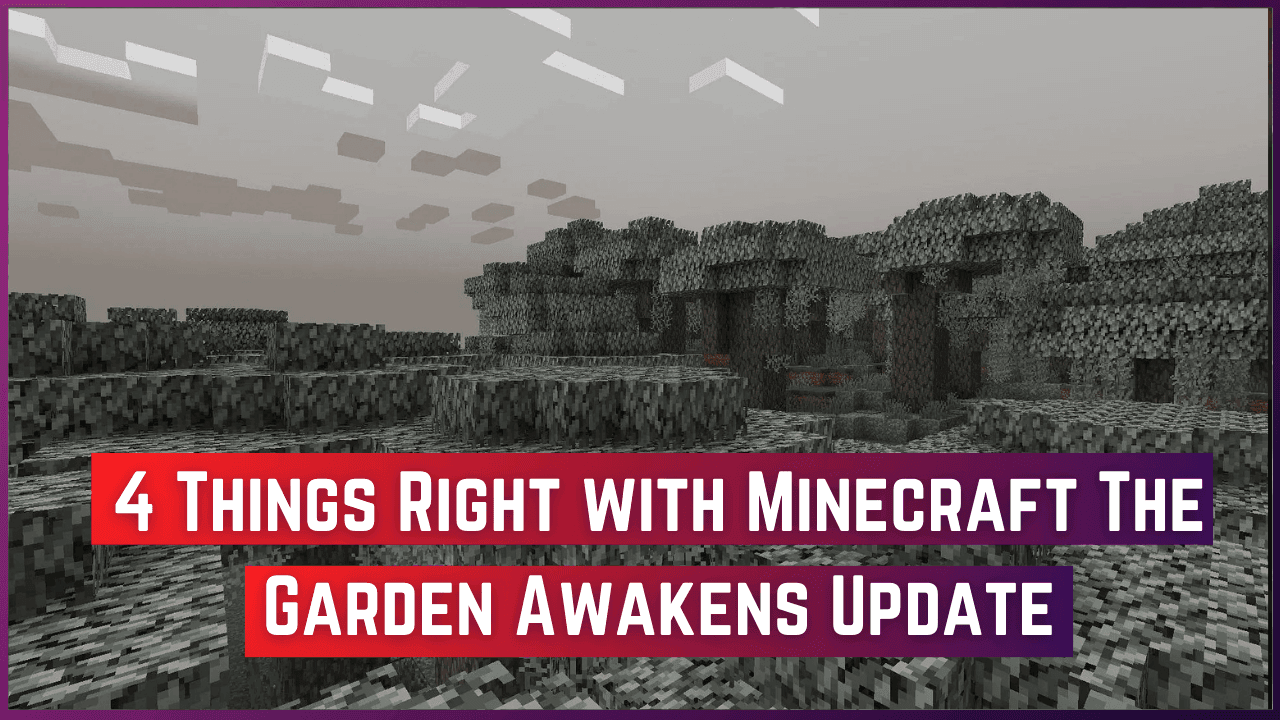
Night Visions Shaders are designed to explore dark areas without losing the mystique of the environment. The pale garden’s nights are less terrifying with Night Visions Shaders, allowing players to explore hidden paths and treasures without compromising the spooky atmosphere.
Key Features:
- Improved nighttime lighting for better visibility.
- Subtle glow effects for torches and moonlight.
- Reduced shadow intensity for clearer exploration.
How to Install Shaders for Minecraft
To use shaders in Minecraft, follow these simple steps:
- Install OptiFine: Download and install the OptiFine mod, which is required to run shaders.
- Download the Shader Pack: Choose your preferred shader and download it from a trusted source.
- Move Shader Files: Place the downloaded shader files in the
.minecraft > shaderpacksfolder. - Activate the Shader: Launch Minecraft, go to “Options,” then “Video Settings,” and select your shader pack under the “Shaders” option.
- Enjoy Enhanced Graphics: Start your game and experience the transformed visuals!

Conclusion
The Minecraft Pale Garden is the most amazing biome full of haunting mystery and beauty. Its scary charm can be appreciated in its full sense only through shaders. Here are the shader packs that make these adventures unforgettable – from Spooklementary spooky lighting to realistic water effects given by BSL Shaders.
Be it moonlight exploration with Night Visions Shaders or vibrant magic added by Opal Shaders: each one provides a unique touch to the gameplay. Play Minecraft in the Pale Garden and dive into new exciting horizons!
Frequently Asked Questions (FAQs)
Which shader is best for low-end PCs in the Pale Garden?
Complementary Shaders are optimized for performance while providing stunning visuals, making them ideal for low-end systems.
How do I choose the right shader for my gameplay style?
Focus on your preferences: If you want spooky effects, try Spooklementary. For vibrant visuals, go for Opal Shaders.
Do shaders affect game performance?
Yes, shaders can impact performance. Opt for lightweight shaders like Complementary or adjust settings for better FPS.
Can I use multiple shaders at once?
Yes, shaders can impact performance. Opt for lightweight shaders like Complementary or adjust settings for better FPS.
Are shaders compatible with all Minecraft versions?
Most shaders require OptiFine and may be version-specific, so ensure compatibility with your Minecraft version.

